

Issue #7
To Automate or Not to Automate: There's Actually a Third Option 🎯
If you're like me, you've probably had that moment where you're staring at a task thinking, "I should totally automate this" – right before spending 6 hours automating something that takes 2 minutes...

Hello, developrrrs! 👋 If you’re like me, you’ve probably had that moment where you’re staring at a task thinking, “I should totally automate this” – right before spending 6 hours automating something that takes 2 minutes manually. Today, we’re tackling the automation elephant in the room: when to let the robots take over, when to keep things human, and most importantly – when to eliminate a process entirely.
Sometimes, optimizing a process isn’t about fancy automation or better documentation – it’s about questioning whether we need it at all. Because let’s face it: the best automation is often no automation at all. Grab your coffee, and let’s dive in – though if you’re sipping Earl Grey while reading this, I promise not to judge… much.
🤿 Deep Dive
Let’s talk about the moment automation either saves your sanity or becomes your nemesis. One developer types a single command and boom – their entire dev environment spins up faster than you can say “npm install.” Meanwhile, another poor soul is on day three of setup hell, drowning in VPN issues, missing env variables, and that one internal package that’s harder to install than getting tickets to a Taylor Swift concert. The difference? Smart automation. We’re talking about transforming multi-day ordeals into minute-long non-events. When done right, it’s like having a team of robots doing all the boring stuff while you focus on the fun parts of coding. When done wrong… well, let’s just say I’ve seen automation “solutions” that make manual processes look positively delightful.
According to the State of DevOps Report by Google’s DORA team, developers in high-performing organizations spend 33% less time on manual tasks compared to their peers. Yet somehow, I still see teams treating automation like a Formula 1 car stuck in highway traffic – built for speed and precision, but never getting out of first gear.
The “Should I Automate This?” Flowchart You Actually Need
Listen, I get it. Automation is like that friend who offers to help you move – sounds great in theory, but sometimes ends up creating more chaos than help. But here’s the truth: according to Stripe’s Developer Coefficient Report, developers spend roughly 42% of their time dealing with maintenance tasks and technical debt instead of writing new code. That’s like having a tricked-out gaming PC with an RTX 4090 and using it just to check email.
Here’s my tried-and-true framework for automation decisions:
1. The Three-Time Rule 🎯
If you’ve done something three times and expect to do it again, you’ve got three options:
-
Automate it if it’s predictable and repeatable (like deployments or environment setup)
-
Document it if it needs human judgment (like code reviews or architecture decisions)
-
Eliminate it if it’s neither predictable nor needs judgment. Because let’s be real - if a task isn’t structured enough to automate but doesn’t need human brainpower, why is it part of your workflow at all? You’d be surprised how many processes exist simply because “that’s how we’ve always done it.” It’s like manually copying sprint updates into three different project management tools because “each team prefers their own” – not only could it be automated, maybe we just need to agree on one tool and call it a day.
2. The ROI Reality Check 💰
A recent study by McKinsey showed that companies could save 30-40% of their time through the automation of routine tasks. But here’s the catch – not everything that can be automated should be. Look at the time investment realistically: if it takes you 20 hours to automate a 10-minute weekly task, you’ll need to run that automation 120 times just to break even. I once spent two days automating a task that took 5 minutes manually and only needed to be done once a month. That math didn’t exactly work out in my favor. Spoiler alert: I left that company before my automation “investment” paid off.
Before you dive into automation, ask yourself:
-
How often does this task actually happen?
-
How long does it take to automate versus doing it manually?
-
Will this process still exist in six months?
3. The Human Factor Test 🤝
Some tasks need that human touch. Like code reviews – while tools like SonarQube can catch technical issues, they can’t spot that your variable naming makes about as much sense as the plot of “Tenet.” Automation is great at handling predictable patterns, but it falls flat when you need:
-
Context-aware decision-making (like prioritizing tech debt)
-
Creative problem-solving (debugging that weird production issue that only happens every third Tuesday)
-
Emotional intelligence (managing team dynamics in a heated architecture discussion)
-
Experience-based judgment (deciding when to refactor versus rewrite)
The trick is knowing when human insight adds value and when it’s just adding unnecessary complexity to a process that could be automated. If your task requires more judgment calls than a talent show judge, keep it human.
Where Automation Shines (And Where It Face-Plants)
🏆 The Winners
-
CI/CD Pipelines: According to the DORA metrics, elite performers deploy 973 times more frequently than low performers. Automated pipelines aren’t just nice to have; they’re the difference between shipping daily and shipping “whenever Bob remembers to run the deploy script.”
-
Testing: The DevOps Research and Assessment team found that automated testing can reduce time spent on manual QA by up to 75%. That’s time your team could spend building new features or, let’s be honest, arguing about tabs versus spaces.
-
Environment Setup: One-click development environment setup isn’t just convenient – it’s a sanity saver. No more “works on my machine” syndrome.
🤦🏻♂️ The Face-Plants
-
Customer Communication: Chatbots might be all the rage, but they still can’t replace human empathy when a client’s production system is down.
-
Architecture Decisions: Some things need human judgment and experience. Your AI might optimize for performance, but it won’t understand why the CEO insists on keeping that legacy system running.
The Bottom Line
Automation in DevEx is like having a really efficient personal assistant – it should handle the repetitive stuff so you can focus on the creative and complex challenges that actually need your brain power. But like any assistant, it needs clear boundaries and realistic expectations.
The key is finding that sweet spot where automation removes friction without creating new problems. Because at the end of the day, the goal isn’t to automate everything – it’s to make developers’ lives easier and their work more impactful. If your automation is causing more headaches than it solves, it might be time to rethink your approach.
Next week, we’ll dive into the nitty-gritty of measuring DevEx success with metrics and KPIs that actually matter (and some that might surprise you).
In the meantime, I want to hear your automation war stories! Did you spend a week automating a task only to never use it again? Create a script so powerful it accidentally cleaned up production data? (We’ve all been there!) Reply to this email with your best automation fails or wins – the most entertaining story might just feature in next week’s newsletter. Bonus points if it made your team laugh… eventually.
Stay automated (just don’t let the robots take over)! 🤖
Powered by coffee ☕️ and a healthy distrust of manual deployments
📊 Stat
68% of respondents say their platform team had a direct impact on increasing development velocity
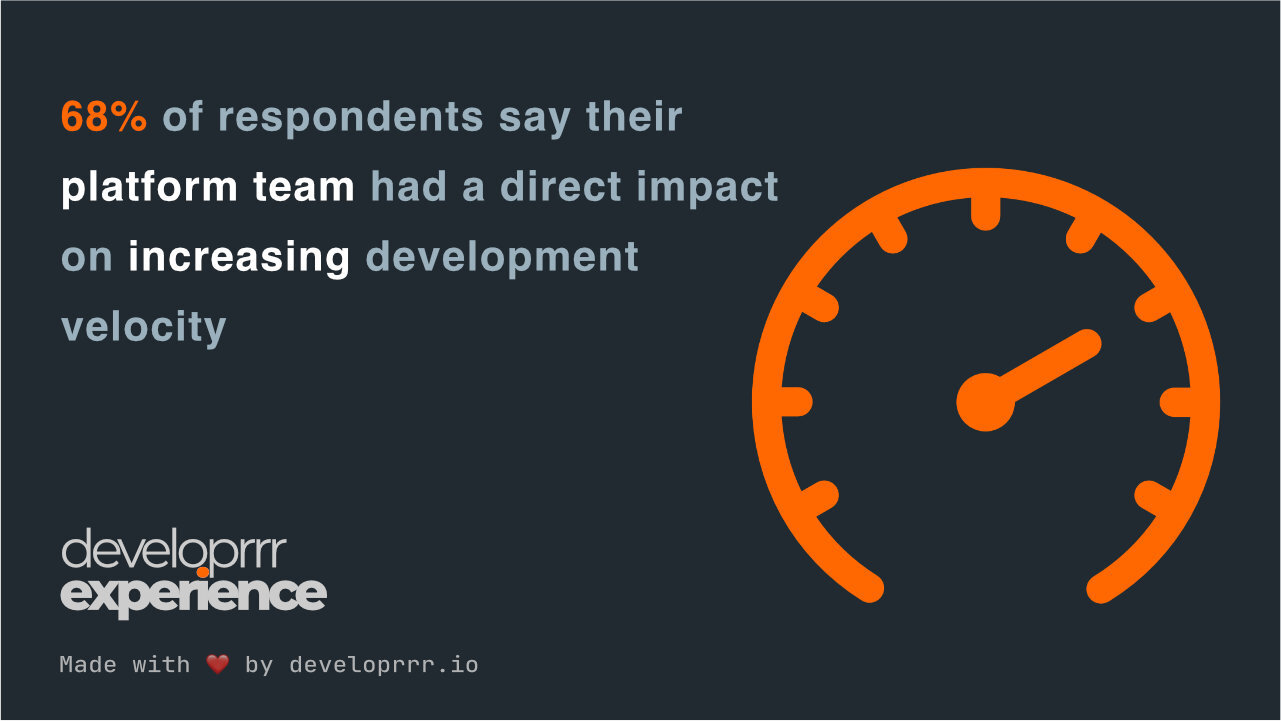
68% of respondents report that their platform team has directly increased development velocity, with 42% seeing significant improvements. Organizations practicing platform engineering for over three years experience even greater benefits, with 53% noting substantial speed gains compared to 35% of newer adopters. Platform engineering provides a clear framework to reduce delivery obstacles and cognitive load, making it an effective solution for scaling DevOps success across organizations.
📌 Essential Reads
🤖 AWS Enhances Q Developer AI Assistant to Accelerate Work. Amazon Web Services has upgraded its Q Developer AI assistant to automate tedious tasks and expedite development processes. Internally, AWS utilized Q Developer to migrate thousands of applications to Java 17, reportedly saving over 4,500 years of development work and $260 million annually.
🔧 Curating Developer Experience: Practical Insights from Platform Engineering. This article shares experiences and learnings from implementing Developer Experience (DevEx) and offers ideas on what platform engineers can do for development teams that use platforms. It discusses how to help developers go quicker and which aspects of DevEx to prioritize. The piece provides practical advice for curating a positive developer experience.
📈 Developer Experience Trends Shaping 2024. GitKraken explores key trends influencing developer experience, emphasizing the importance of supportive environments and continuous feedback. The article discusses how focusing on these areas can lead to higher morale and productivity among development teams.
🛠️ Tools
-
Navi is an interactive cheat sheet tool for CLI commands, enabling developers to explore and execute commands with ease.
-
Dagger is a programmable CI/CD engine that provides a unified framework for building pipelines as code.
-
Glances is a cross-platform system monitoring tool that provides real-time information about system resources and processes.
Get the next issue on Thursday
5-minute weekly reads showing how top engineering teams solve their biggest DevEx challenges and reduce burnout.
Subscribe for freeDelivered every Thursday. Trusted by 3,000+ engineers at companies like Stripe, Google, and Netflix.